Your catalogue, uploaded by folder
Drop a folder of product photos — items are sorted into the wardrobe by category.
AI virtual fitting room
Try-On dresses a real person or a ready-made model in items from your catalogue. For fashion brands and online shops that need lookbook images, product content and a fitting room on the product page.
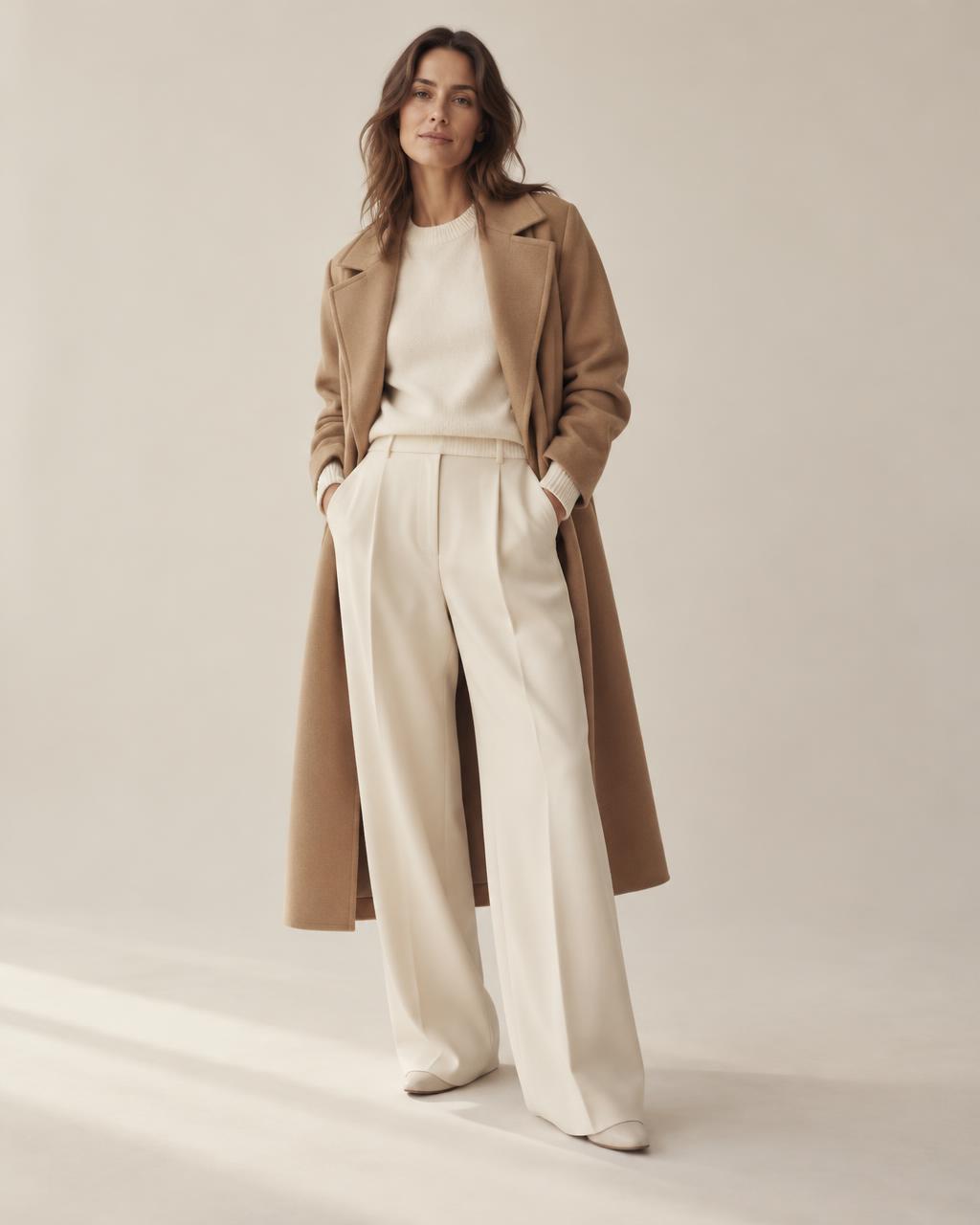 Created with AI
Look assembled from catalogue items
01Tutorial
Video tutorial coming soon
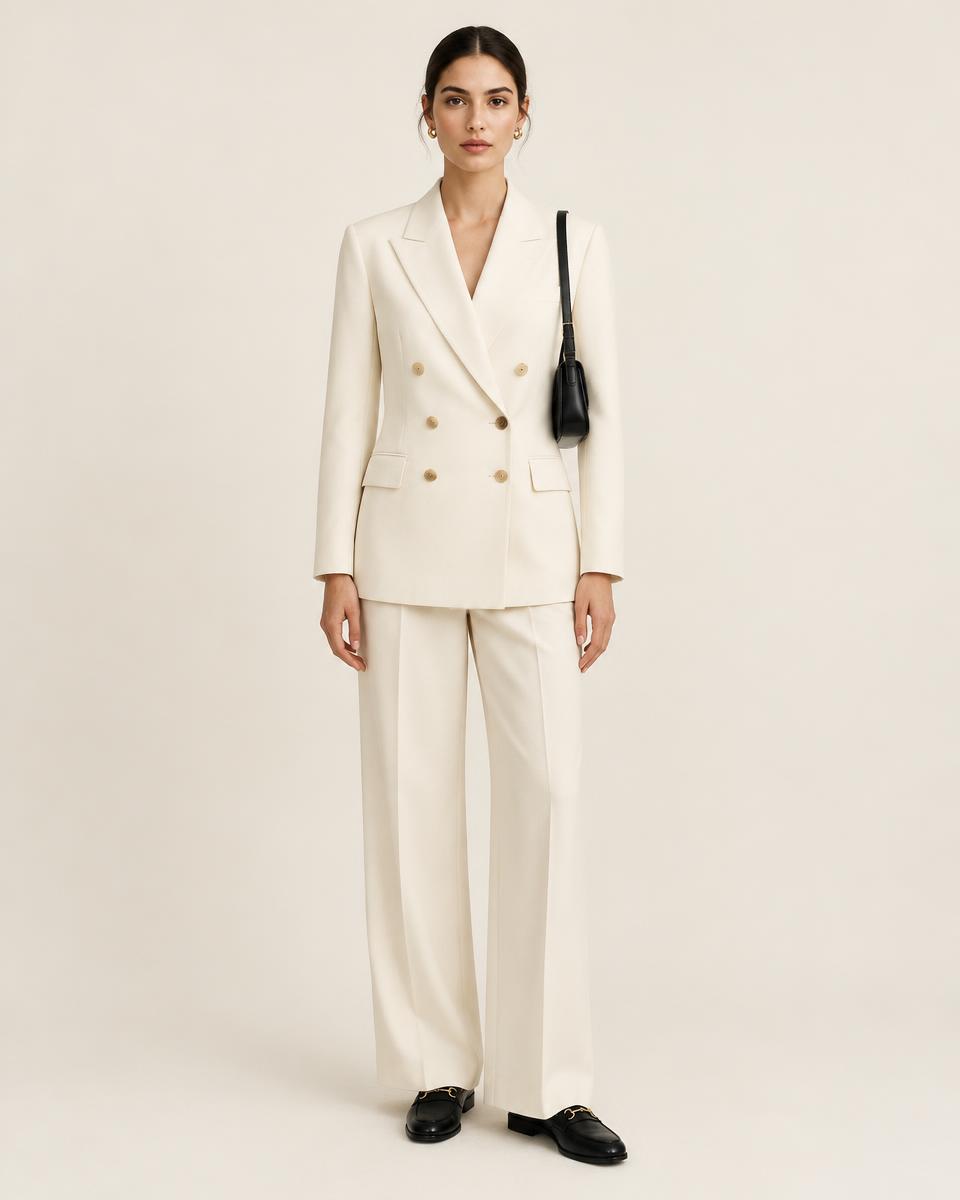
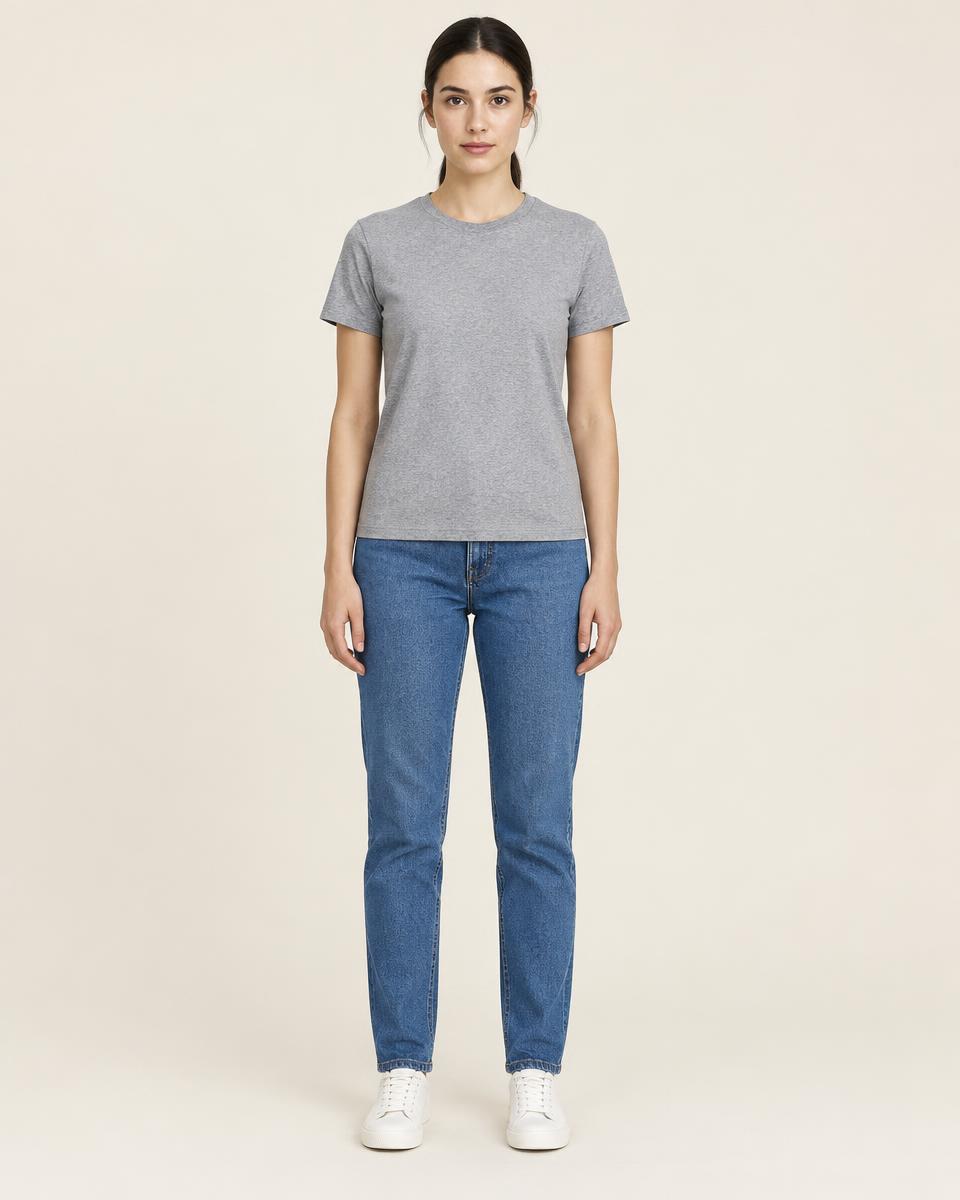
02Before / after
Drag the line to compare the original photo with the result.
03Capabilities
Drop a folder of product photos — items are sorted into the wardrobe by category.
Work with your own model shots or pick a person from the ready-made set.
Combine tops, bottoms, outerwear, shoes, bags and accessories in one image.
Describe the occasion — office, wedding guest, weekend — and get a look proposed from your catalogue.
Upload a reference image to set the pose, setting and light of the result.
Turn a finished image into a short vertical clip for stories and reels.
04Parallel work
Generation runs in the background. You don't have to wait in front of a progress bar.
Send a look to generation.
Build the next look while the first one is processed.
Finished photos and videos wait for you in history.
05How it works
Upload a photo of a person or choose a ready-made model.
Open the wardrobe with your items, sorted by category.
Pick one item or build a complete look of up to ten.
Download the result with your brand name under the image.
06Video
Examples will appear here as soon as they are ready.
07Catalogue & brand
Point the studio at a folder of product images. Each item becomes a card in the wardrobe that you can use in any look.
Created with AISet your brand name and site once. Every downloaded photo carries your caption underneath.
08Who it's for
Lookbook and campaign images from your own collection.
Combine items from different labels into one look.
A fitting room on the product page for your shoppers.
More product visuals without booking a new shoot each time.
09Widget for your store
The shopper uploads a photo and sees the item on themselves. One script tag on the product page; we give you the shop key.
Open the demo shop<script src="https://try-on.one/widget.js" data-shop-key="SHOP_KEY" data-product-image="https://shop.example/item.jpg" data-product-name="Leather jacket" data-gender="female" async></script>10Integration
Prices on request
The format depends on your catalogue size, the volume of images and whether you need the widget, the studio or both. Tell us about your store and we will prepare an offer.
11FAQ
Tell us about your store. We will reply with how Try-On can work for it.